OBSKURA 642 × RASPBERRY PI

Technology

Two computers, two roles: invention and manifestation. How an image is made and gets onto the LED wall.

TWO ROLES

01AI generator

AIdisp

Raspberry Pi 5 · 8 GB · 512 GB NVMe SSD

Makes the images with Stable Diffusion 1.5 on the CPU (diffusers, float32, DPM-Solver++ with Karras sigmas), 256 × 256 pixels, 20 steps. Computes the 64×64 display image from it, archives everything and serves images and logs on the direct link.

02Display controller

AIdisp2

Raspberry Pi 4 · 4 GB · 16 GB SD card

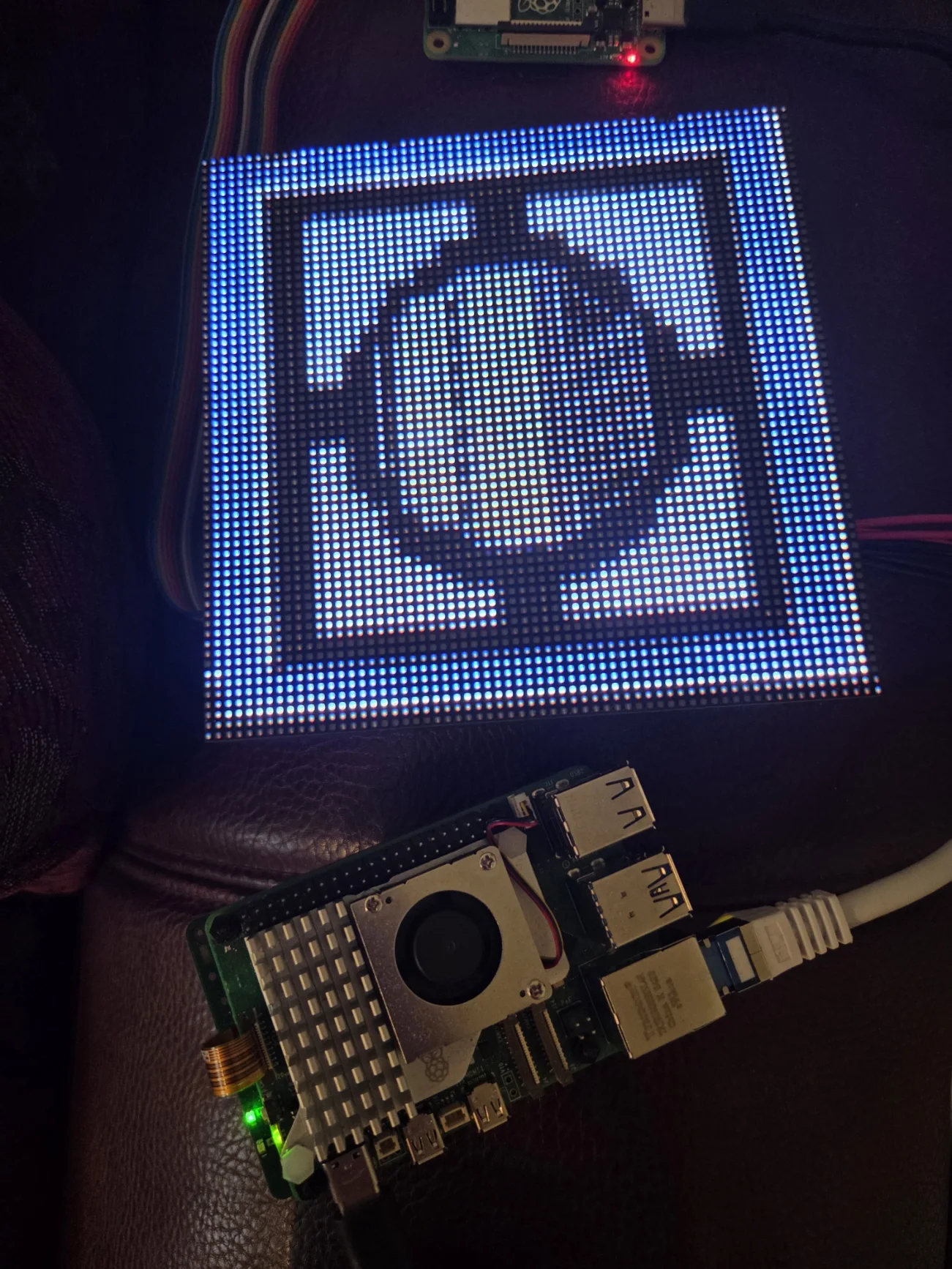
Drives the 64×64 RGB LED matrix directly through the GPIO pins (rpi-rgb-led-matrix library, no microcontroller in between) and an HDMI display that shows only the current prompt with its metadata.

PATH OF AN IMAGE

  1. 01Prompt generator
  2. 02Model prompt
  3. 03Stable Diffusion 1.5 · 256 × 256
  4. 04Archive: 256 · 64 · BMP · meta
  5. 0564×64 image (Lanczos, 32 colours, Floyd–Steinberg)
  6. 06LED matrix
  7. 07HDMI prompt display

64×64 LED matrix

The LED matrix hangs directly on the Pi 4’s GPIO pins. One CPU core is reserved with isolcpus=3 so the multiplexing stays stable. Panel manufacturer, wiring and power supply are not documented in the secured data.

rows × cols
64 × 64
hardware_mapping
regular
brightness
60
gpio_slowdown
2
pwm_bits
11
transition
intro 7 s, pixel morph 10 s at 30 fps

HDMI prompt display

A 1920 × 1200 monitor used in portrait (1200 × 1920). It shows text only – prompt, metadata and system status – set typographically and written straight into the Pi 4’s framebuffer. The data comes over HTTP from the generator computer.

Two operating stages of the same hardware

Prompt generators

IDPERIODRECORDSDESCRIPTION
G124.01.2026 00:32–01:239Pattern “pixel art, <mood>, …”. Source code not on the Pis; prompts complete in the log.
G224.01.2026 01:29–02:2112Epoch, material, provenance. Source code not on the Pis; prompts complete in the log.
G324.01.2026 02:39 – 12.08.2026 16:552,236Draws epoch, category, object, material, condition and presentation from word lists, deterministically from the seed. The model receives a prompt shortened to 140 characters behind a fixed base prompt.
G412.08.2026 21:35 – 21.08.2026 14:09958“Wunderkammer V3.1”: different base and negative prompt (museum specimen photograph), its own model prompt up to 195 characters.
custom—8Prompts typed in by hand through the web interface (up to 260 characters).
Foto20021.08.2026 – 4,034Its own prompt engine PHOTO200 (V1.2/V1.3) with a defect engine (PHOTO200-DEFECTS-V1.0): epoch, category, process, material, subject, composition, light, flaws. Prompt, model prompt and negative prompt are stored for every image.

The early set-up used a Raspberry Pi Pico as a serial bridge to the matrix (display_runner.py). Since February 2026 (clone of the rpi-rgb-led-matrix library) the matrix has been driven directly by the Pi 4 over GPIO; neither Pi has a Pico attached. Whether the Göttweig exhibition ran with a Pico or with GPIO is not documented.

Base and negative prompts (from the source code)

G3 · BASE PROMPT

pixel art, wunderkammer object, single object centered, high contrast, no frame, no border, no panel, no split image, no collage, no text

G3 · NEGATIVE

multiple objects, collage, diptych, triptych, split panel, comic, grid, frame, border, screenshot, UI, interface, caption, subtitle, text, letters, numbers, room, cabinet, shelf, display case, table, background clutter, blurry, low contrast, smooth gradients, watermark, signature, logo

G4 (V3.1) · BASE PROMPT

museum specimen photograph, isolated Wunderkammer artifact, entire object visible, centered with empty space, realistic materials

G4 (V3.1) · NEGATIVE

multiple objects, collage, grid, frame, border, shadow box, display case, cabinet, shelf, pedestal, mount, plaque, cropped, cut off, close-up, room interior, table, text, letters, numbers, caption, UI, screenshot, background clutter, blurry, low contrast, watermark, signature, logo

Source: gen_wunderkammer.py (state of 24 Jan 2026, backup of 16 Feb 2026 identical) and the current version on the Pi (V3.1). The negative prompt was not logged per image in the Wunderkammer; the assignment is based on the generation period.

HARDWARE

Raspberry Pi with cooler and glowing LED panel
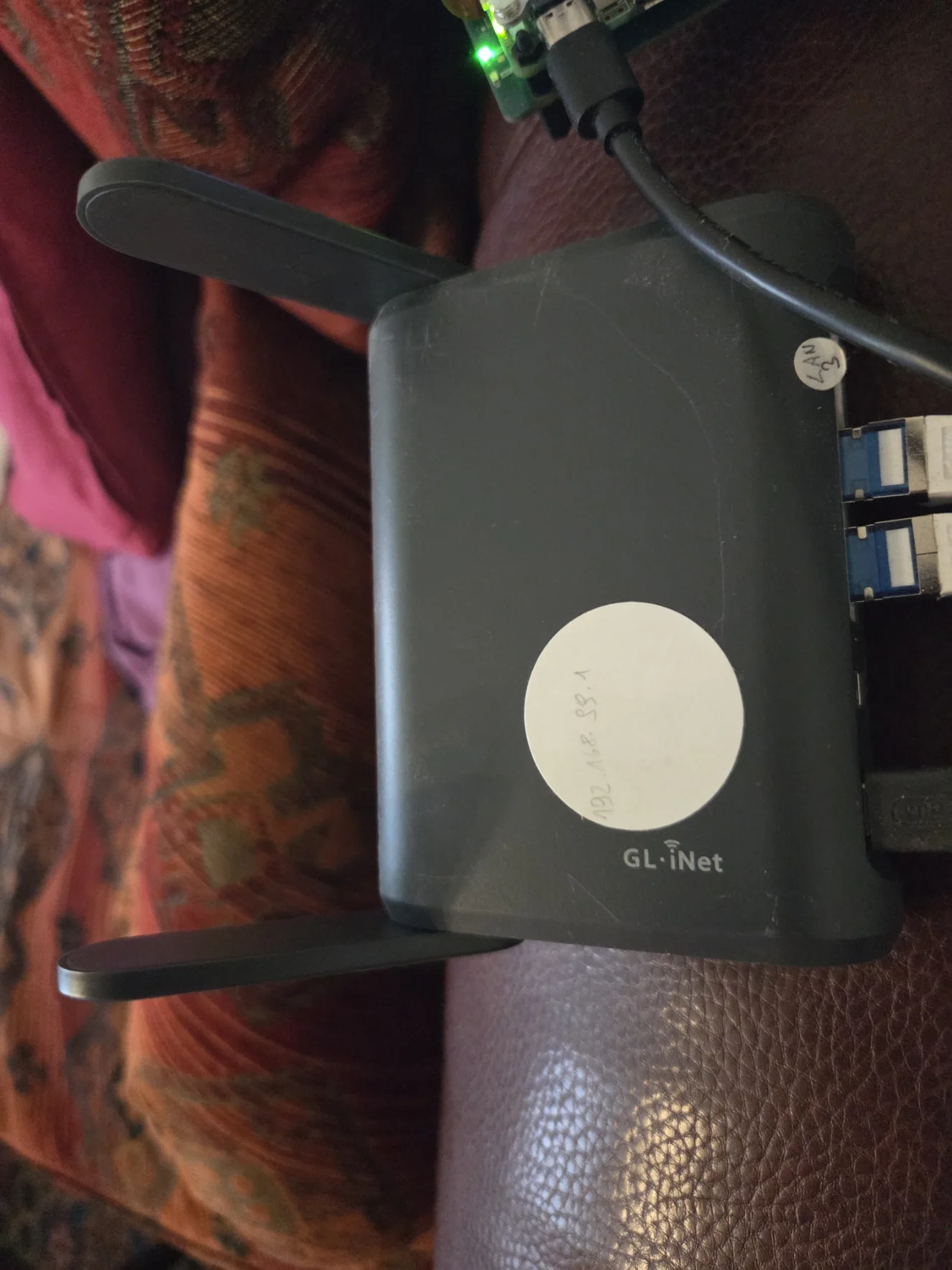
Network device with cables

SOURCE CODE (without credentials)